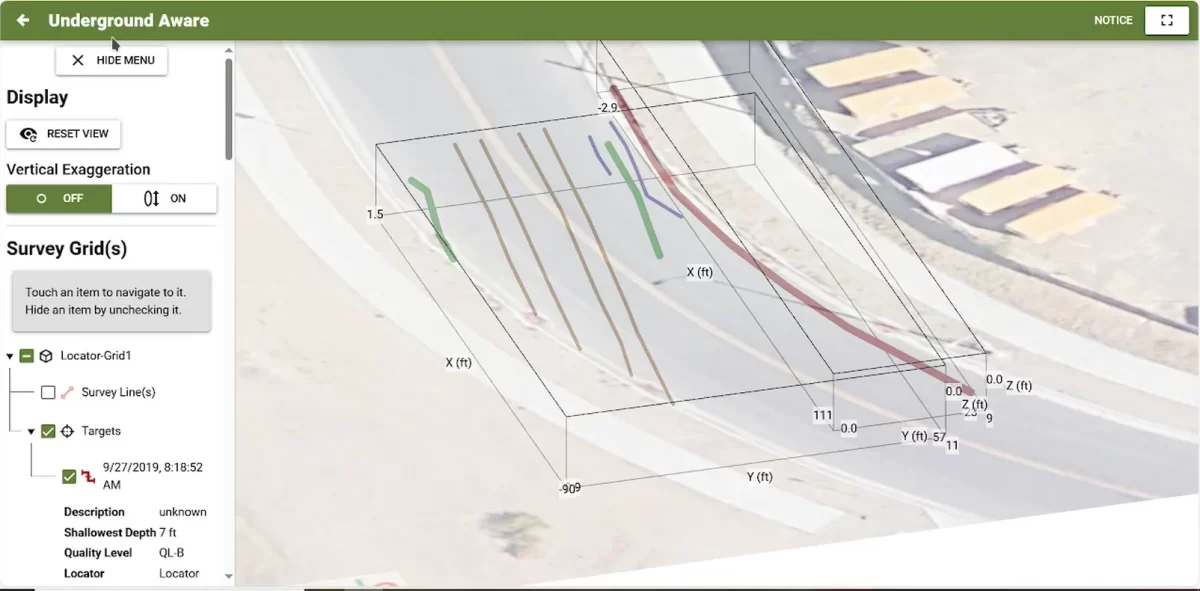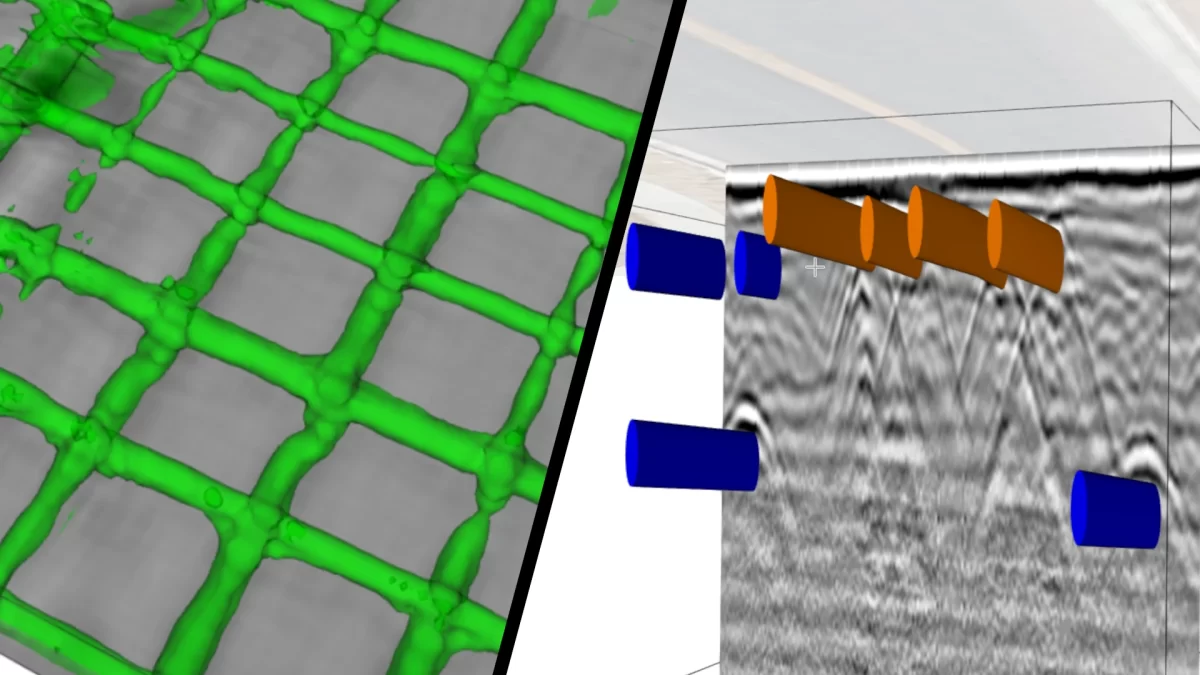
The ESS GPR Software Suite combines comprehensive features with scalability so you can tailor the system to your operation.
This suite provides the advanced features that GPR professionals demand while also offering fast and easy to use solutions. Whether your application is concrete inspection and assessment or utility detection, the GPR Software Suite is the right tool for the job.
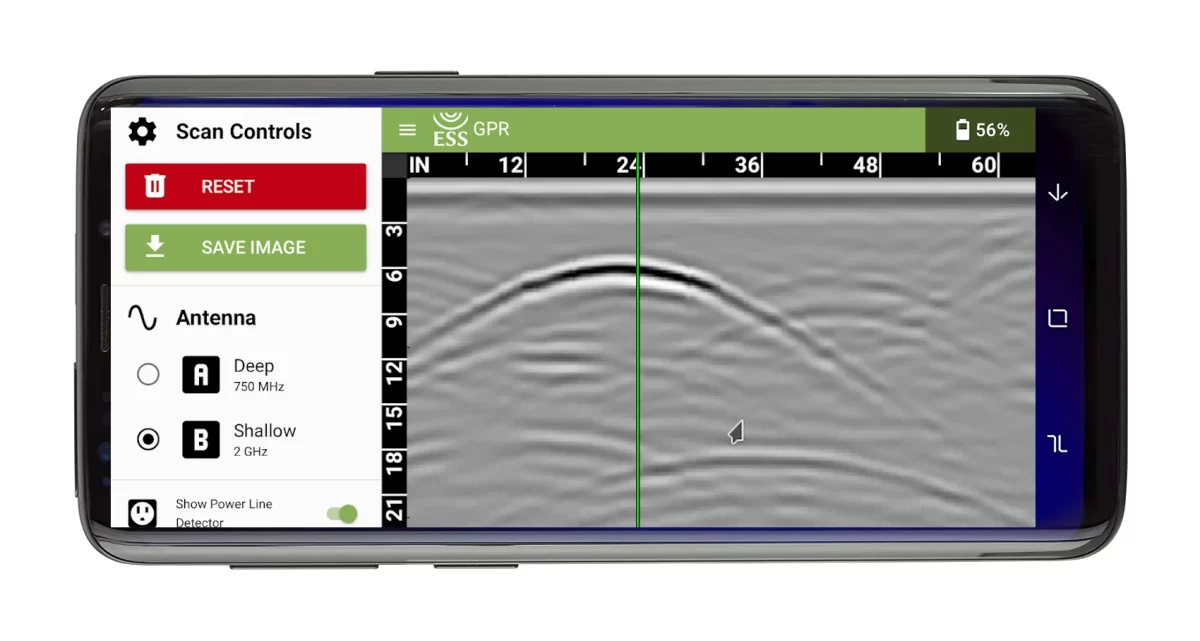
Surveyor Mobile
- Available for iOS and Android
- Use for quick surveys and to mark out surface
- Provides real-time interactive cross sections
- Depth calibration function
- Export cross section as .pdf file
- Supports all ESS scanners
Surveyor Pro
- Acquisition program for advanced surveys
- Record and replay survey data
- Provides real-time interactive cross section
- Provides real-time interactive map display
- Pick subsurface targets such as pipes and rebar
- Windows 10/11
- Supports all ESS scanners
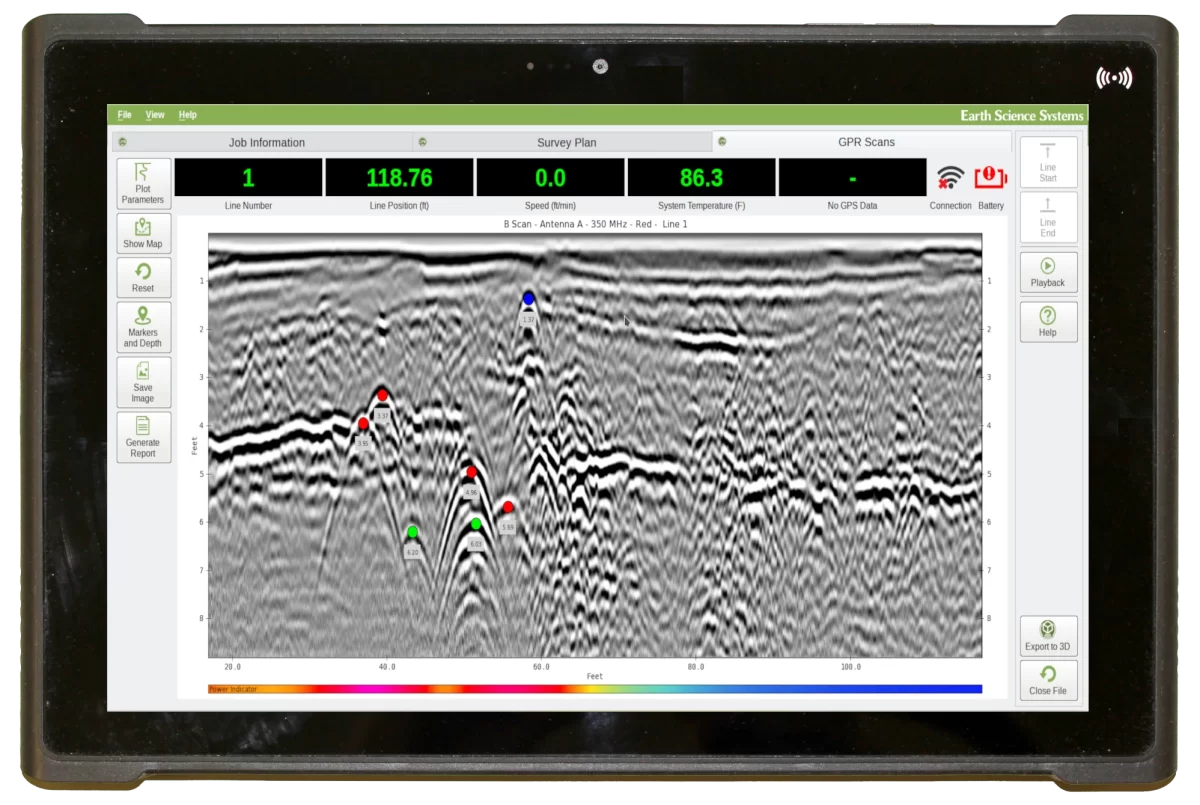
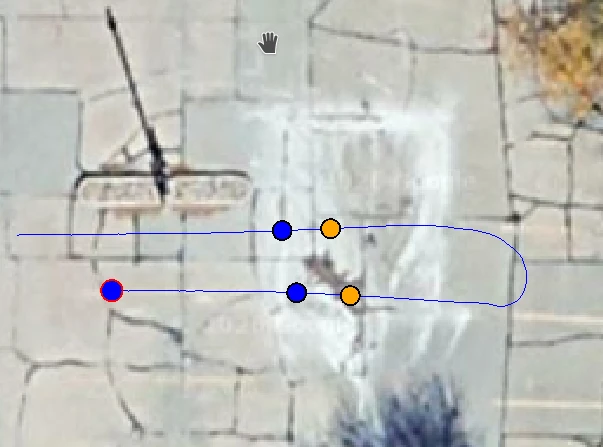
Maps, targets, and reports
Map shows current location of scanner and targets. Pick color coded targets using map display or cross-section view. Export reports with cross-sections, maps, and list of targets. Export data to ESSential Underground for advanced 3D imaging and analysis.
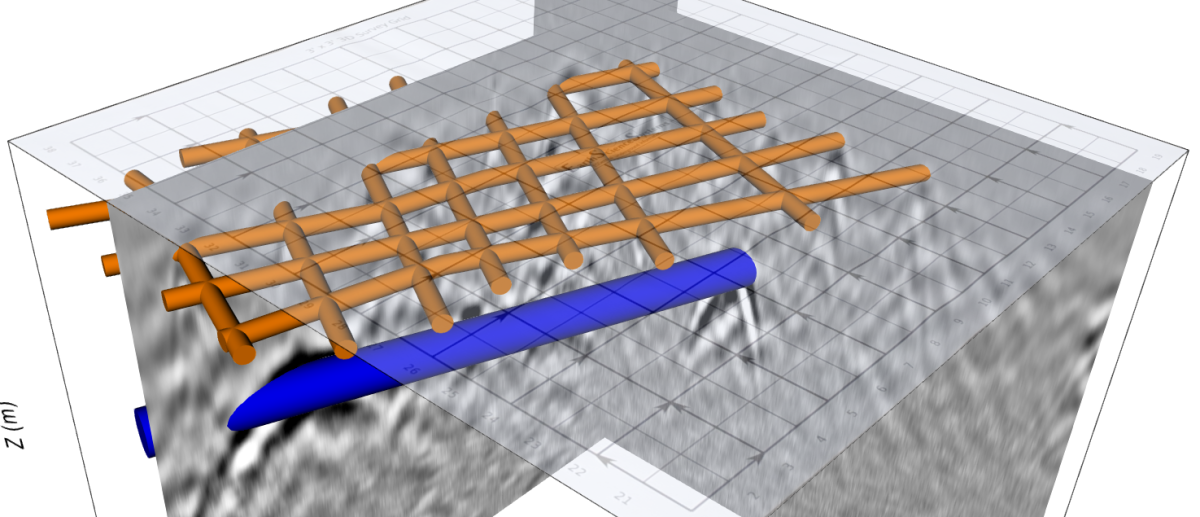
ESSential Underground
- Advanced GPR analysis, cross sections, depth slices, interactive 3D views, target picking, and comprehensive reporting
- Use in the field on a tablet PC or in the office on desktop PC
- View and display data from multiple survey grids simultaneously
- Windows 10/11
Standard GPR Data Processing
- Automatically grid data
- Zero time shift
- Background subtraction
- Frequency filtering
- Interactive range gain
- Depth calibration
- Migration
- Hilbert transform
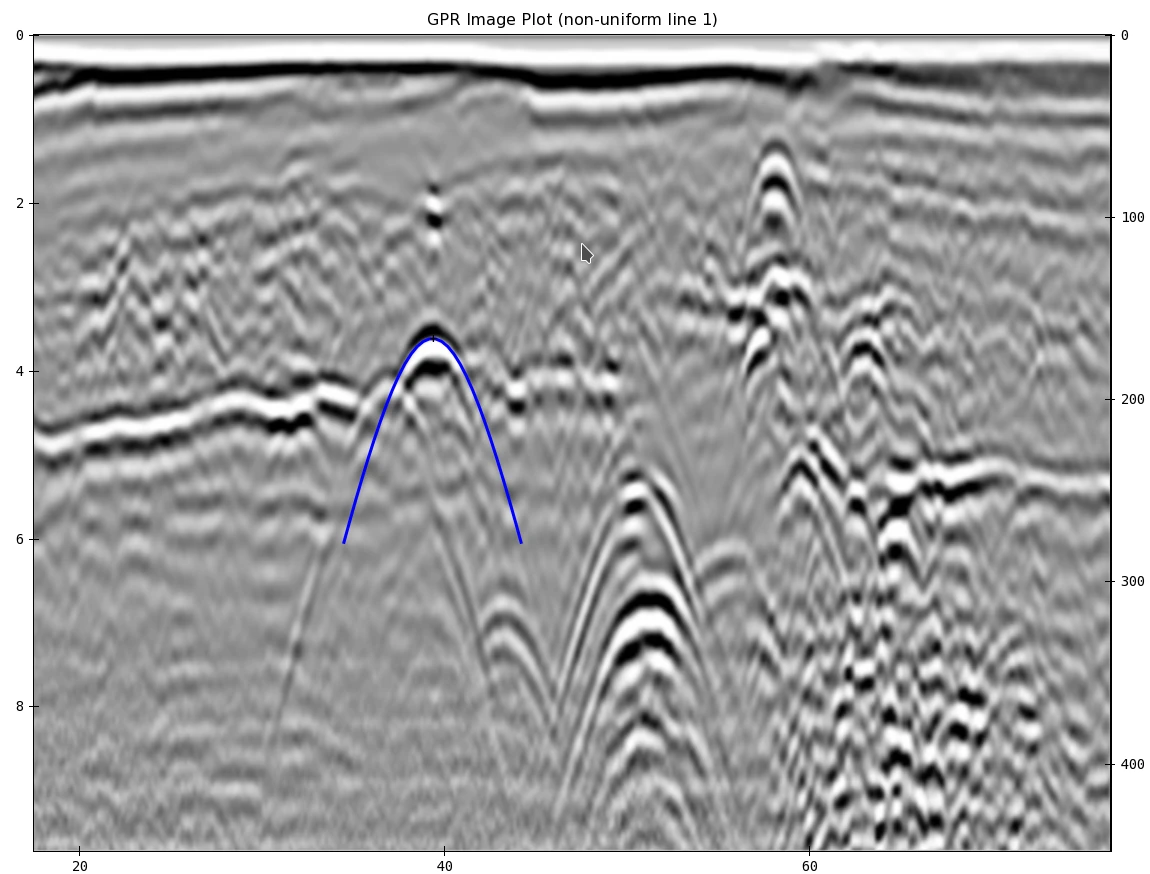
Combine Surface and Subsurface Imagery
- Combine 3D views of GPR data with surface image overlays
- Use pictures of survey site taken with tablet PC (or other device) as surface image overlay and make orthographic corrections
- Create Google Maps (TM) satellite image overlays
- Import as-built drawings
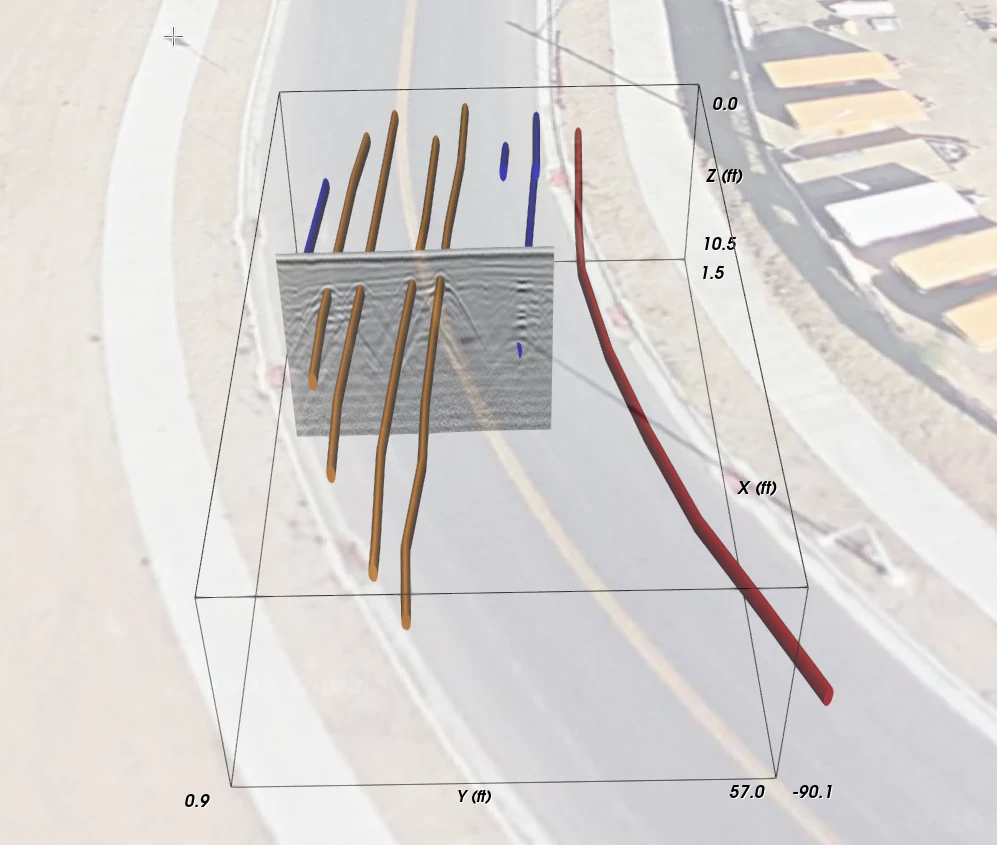
Identify Subsurface Targets
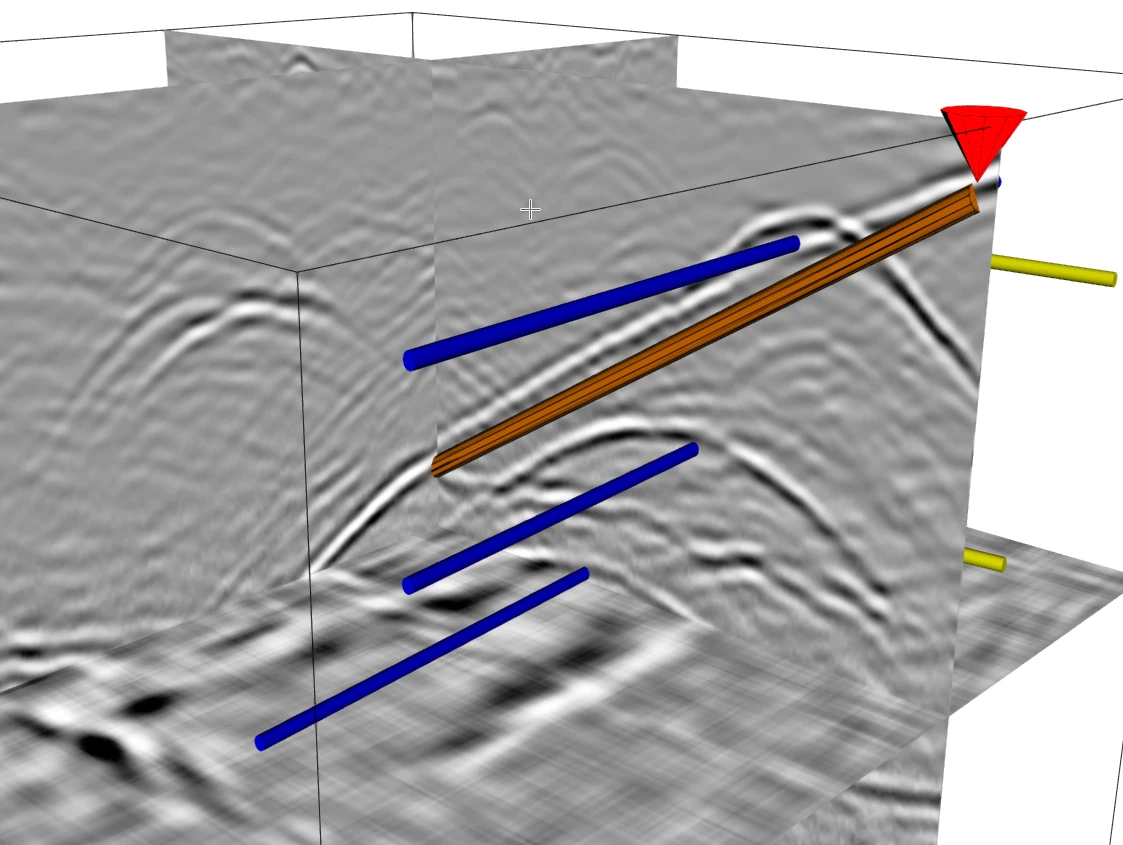
- Users can quickly outline targets such as pipes that can be shown in 3D display, output to DXF CAD file, or output to DOCX report.
- Create outline of pipes, wires, vertical surfaces, horizontal surfaces, etc.
- View targets in cross-section view, depth slice view, or 3D display.
- Targets are displayed in standard colors used for marking utilities.
- View targets without GPR data for maximum clarity and final report generation.
Advanced Report Generation
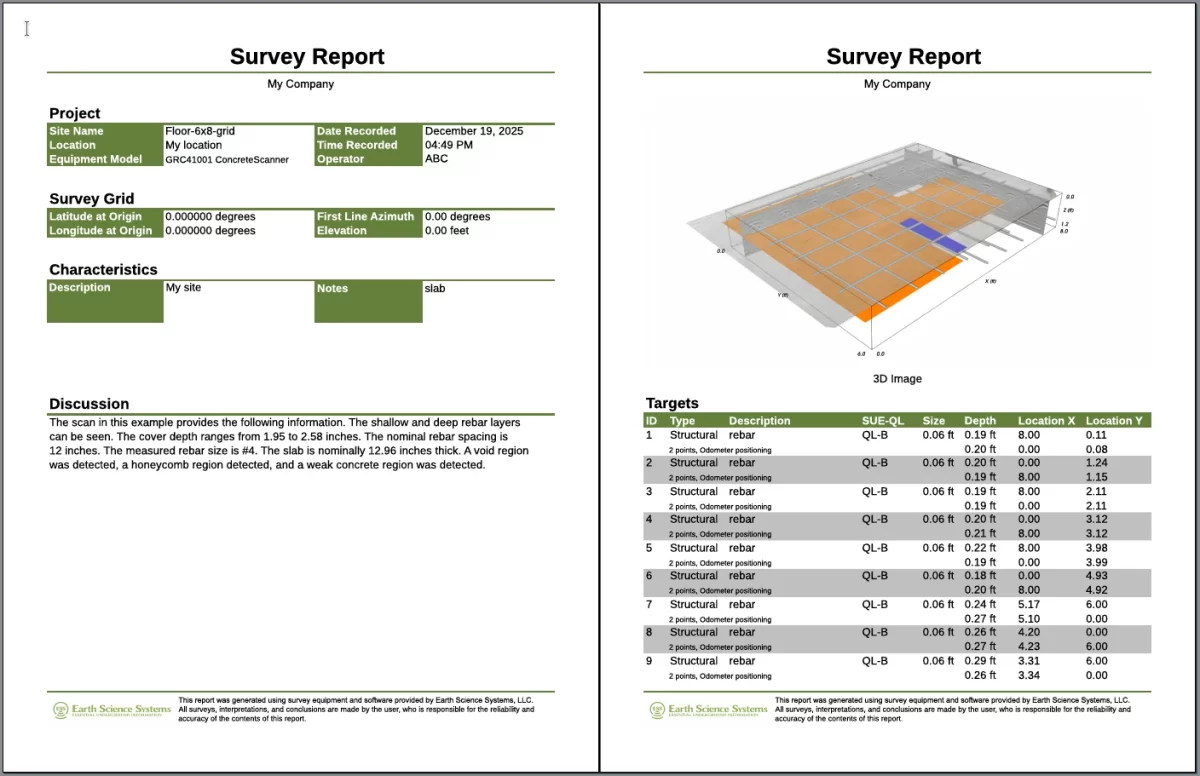
- With the reporting wizard, users can quickly create comprehensive reports.
- Add any cross-section, depth slice, or 3D image to the report.
- Add table of targets with size, type, locations, and SUE history.
- Export .dxf CAD files, .kmz GIS files, and .pdf reports to file or cloud
- Export interactive 3D views to cloud.
Underground Aware
- View shared reports and 3D views of the subsurface
- Seamlessly share with all team members
- Use any web browser
- Manage multiple projects